Automation and integrations
Know what Slack and GitHub integrations support today
Distinguish existing event handling from deferred provider-facing features.
Slack's operational rollout is deferred, and GitHub's full integration is deferred to future scope. An integration row, an event type in the rule builder, or a local demonstration does not mean your workspace has a working provider installation.
Existing integration connections use compact rows with destination/provider, status and signing-secret dates. The key icon opens secret rotation with confirmation. Any available local + opens its creation dialog. These layout controls do not enable the deferred Slack or GitHub rollout.
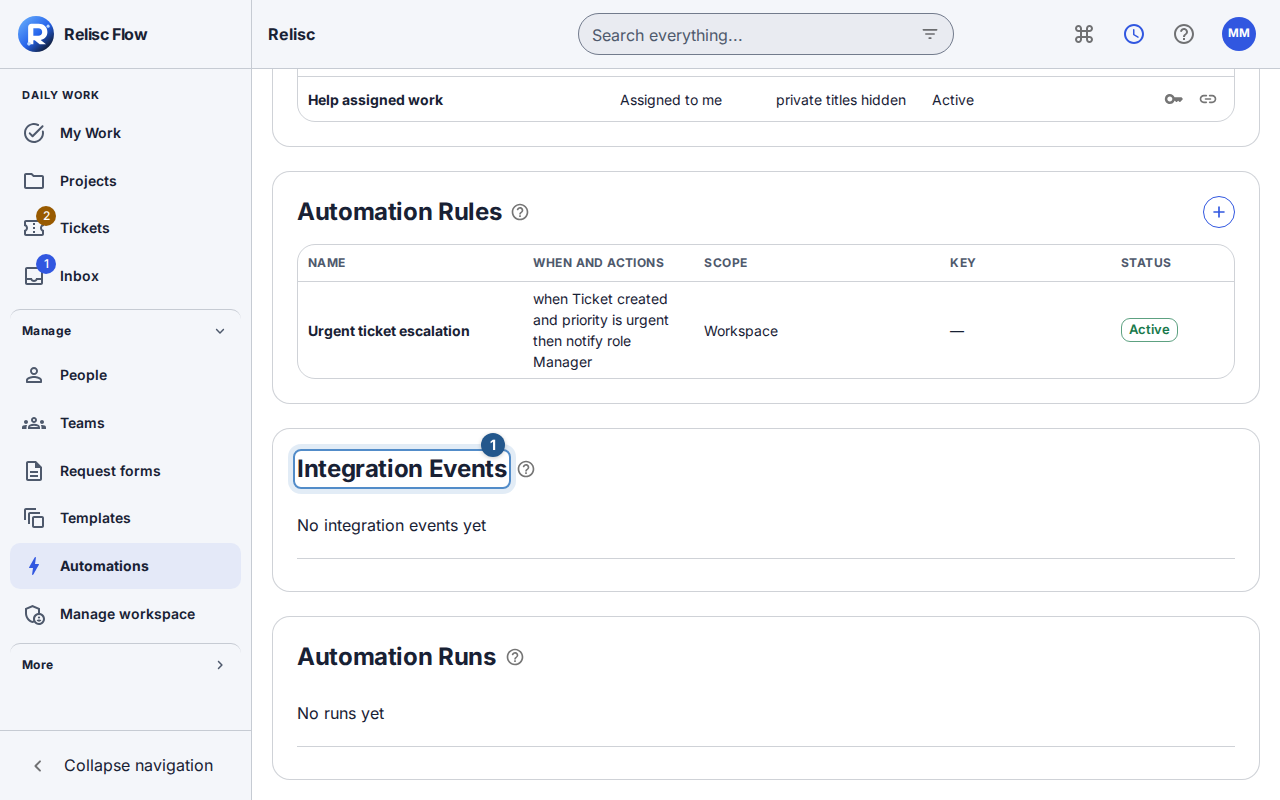
Event rows separate provider/type, a readable result and date. Use the information icon to inspect the permitted event metadata, including action/channel and identifiers.
Before you start
Use a staff account with automation-management permission to inspect event activity. Ask your workspace Owner which connections, if any, they have actually configured; only the Owner has Slack-install authority.
What exists and what is deferred
| Provider | Existing application behavior | What you should not expect today |
|---|---|---|
| Slack | Connection/signature-verification support, metadata-only incoming events, and safe event activity. Code supports safe notification delivery when configured. | A confirmed live Slack rollout, self-service production installation, operational channel notifications, create-from-message, or slash-command workflows. These are deferred, not promised by this Help article. |
| GitHub | Verified webhook handling, extraction of work-item keys, and safe integration-event records for authorized automation managers. | GitHub App installation, repository mapping, linked development activity on work items, manual or PR-comment linking, and follower/assignee notifications. The full integration remains future work. |
Inspect what your workspace actually has
Open Automations with automation-management permission and wait for Integration Events to load.
If events are present, inspect their provider/event type, action or channel, and extracted work-item keys. An empty list can simply mean no permitted event has been received; it is not an installation wizard.
An Owner with Slack-install authority can inspect the Integrations card when available. A production build does not offer the local Create local integration shortcut. Do not use a local fixture's status as evidence of a live connection.
Confirm the real provider status with your workspace Owner before relying on external notifications or event-driven work. Use Flow's ticket/task UI for the workflow until activation is explicitly supported.
Respect the event boundary
Stored Slack event activity omits raw message text by default. GitHub repository names are omitted unless the connection explicitly permits repository metadata. An extracted work key is not permission to expose private work to clients. Incoming GitHub activity does not automatically mean a ticket status has changed; only an explicit authorized rule can perform its configured action.
If an expected event is absent
Check whether the provider is actually configured and in supported scope before troubleshooting the rule. Then check the event list's loading/error state and your permission to read it. For supported outbound system-to-system delivery, use webhooks and delivery logs; a generic webhook does not complete the deferred Slack or GitHub product workflow.