Automation and integrations
Create an API token and connect the Flow CLI
Delegate only the permissions your command-line workflow needs.
Use an API token with limited permissions to run Flow commands from your terminal. It belongs to your workspace and cannot do more than your account can.
The Permissions column shows a count. Select it to review every permission and its technical scope in a dialog without changing the token.
Before you start
To manage tokens, sign in as an active Owner or Admin with token-management permission. A custom Admin role must also have that permission. Only the Owner can change the expiry policy. The CLI requires Python 3.11+ and installation from the Flow repository.
Issue a limited token
Open Automations → API Tokens and wait for the policy to load. Select Create API token.
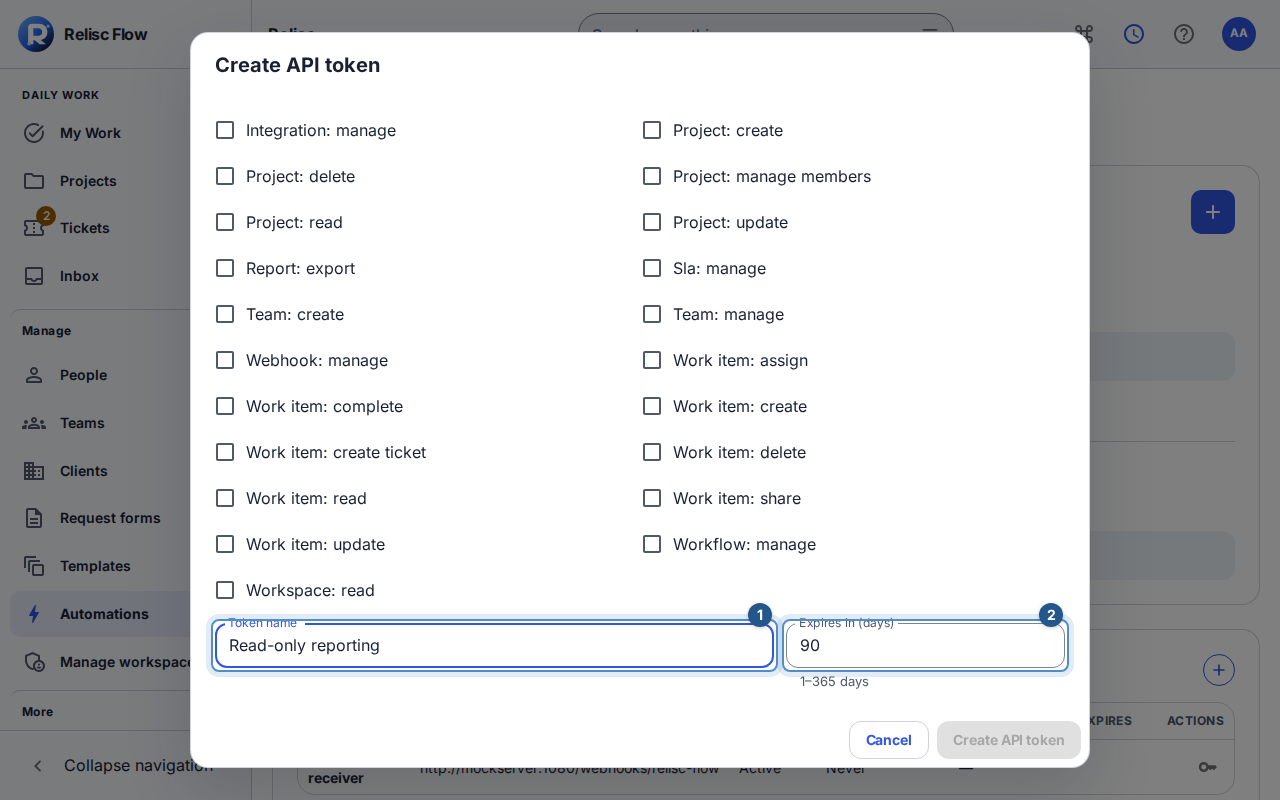
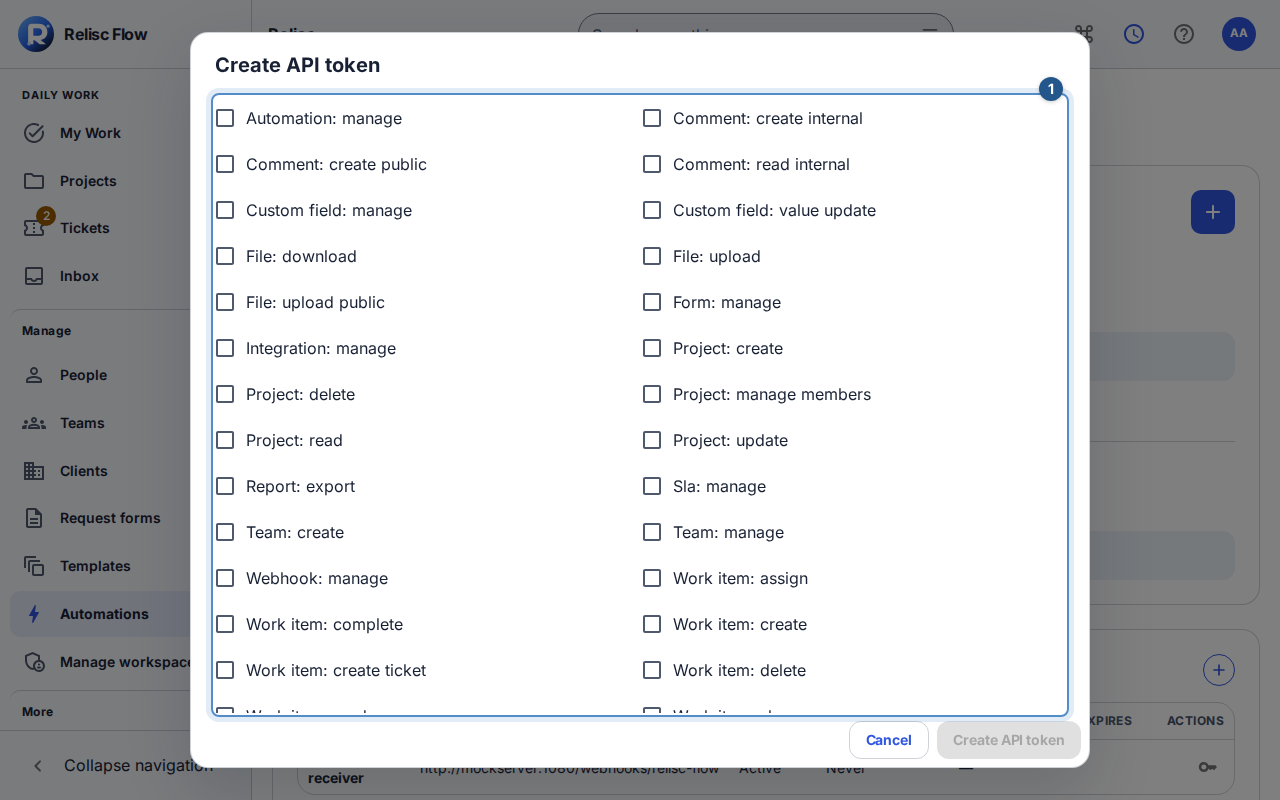
Enter Token name, choose only the delegable scopes needed, and set expiry within the displayed policy. For read-only work commands, start with
workspace.readandwork_item.read; add operation-specific scopes only when needed.Create the token. In the one-time disclosure, use Copy token, store it privately, then select I have stored this token. The token cannot be recovered from the list later.
Connect the CLI
From your Flow repository checkout, install and inspect the command help:
uv tool install ./packages/cli
flow --help
Run
flow auth login --urlfollowed by your workspace's Flow HTTPS server address. Enter the token at the hidden prompt; do not put it in a command-line argument. Then verify the account and list readable tickets:
flow auth status
flow work list --type ticket
Use
flow work show FLOW-123with a real key from your own workspace to inspect a ticket. Commands also support comments, assignments, file upload/download, transitions, and scoped report exports according to your token's permissions. Run the relevant command's--helpbefore a write.
The CLI stores local credentials privately under ~/.config/relisc-flow/. flow auth logout removes that local login; it does not revoke the server token. A copied opened-search URL can be used with flow search --url; the CLI reuses allowed filters, not browser-only saved-view storage.
Restrict, revoke, or recover
The compact token table shows expiry, state, scopes, creator, creation date, and last use; phones show the same values as labeled cards. Use the named icon actions in each row to restrict or revoke the token. Restrict token can remove scopes or shorten expiry. Expanding scopes or extending expiry requires a new token. Revoke token takes effect immediately and cannot be undone; dependent automation loses that credential too.
If authentication fails, check server/workspace, expiry, revocation, current role, and scopes. A lost one-time secret requires a replacement token, not redisclosure. Rate or usage limits also apply. A permission failure does not become valid by retrying with the same token.